


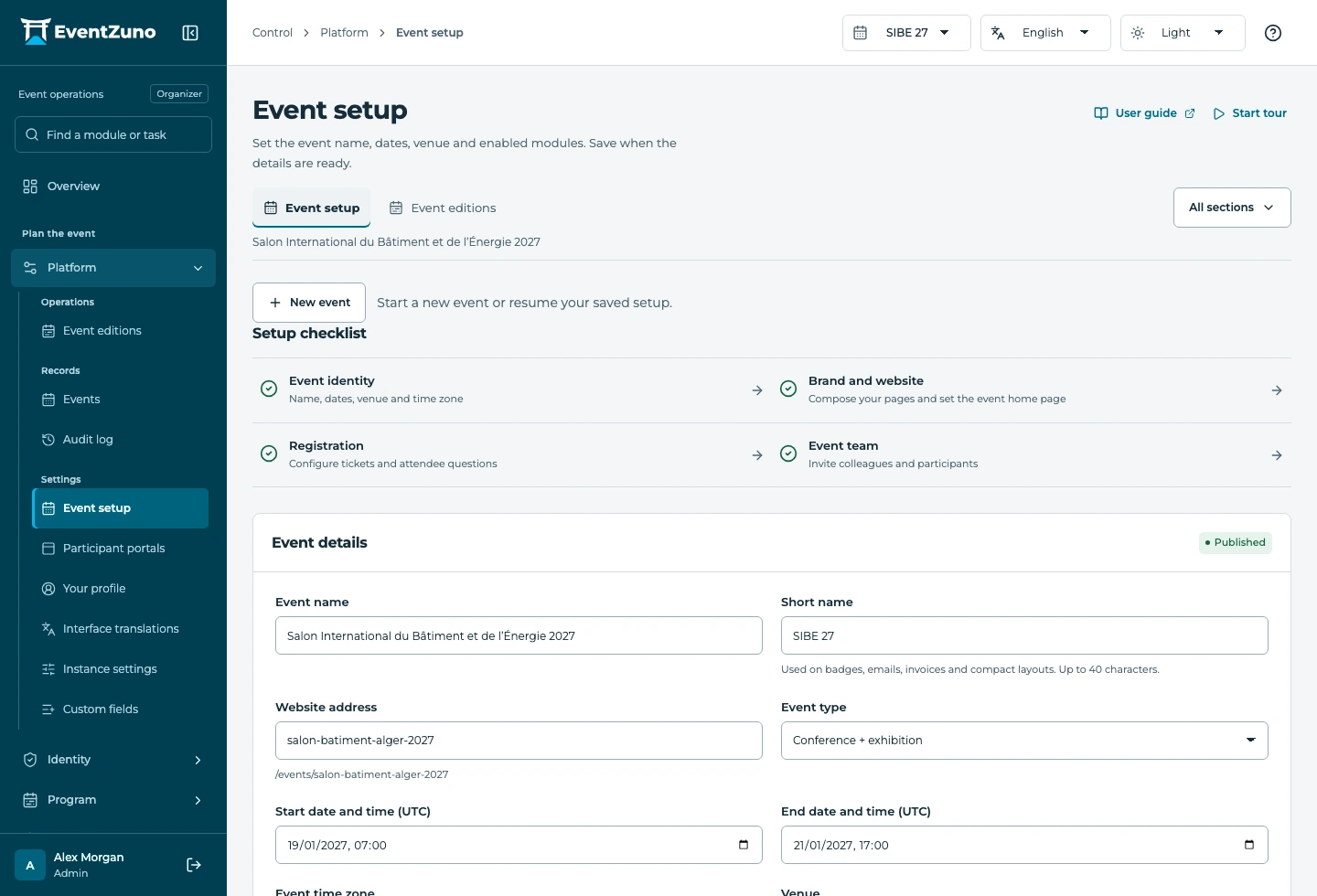
What you can do
Guided setup and demo import
Start with a clean event or import the included demo. Setup steps save progress so your team can continue later.
Event identity, time zone and editions
Choose the venue, dates and IANA time zone, configure event languages and keep editions in their own event context.
Audit history and instance settings
Review recorded changes and configure deployment-level settings with authorized staff access.
Can I use event setup with my other modules?
Modules share event context and authorized records. The guide shows which permissions and related settings are needed for each workflow.
Can my team choose what participants see?
Yes. Event configuration, roles and audience portal settings control the available sections. The platform checks permissions when records are accessed.
How do we get started?
Use the versioned documentation for setup steps, or contact the team to walk through your event requirements. Your deployment configuration determines which services are connected.
Keep the workflow connected

Let’s walk through your next event.
Bring your audience types, your floor plan and your registration rules. We’ll show how they fit together in EventZuno.