


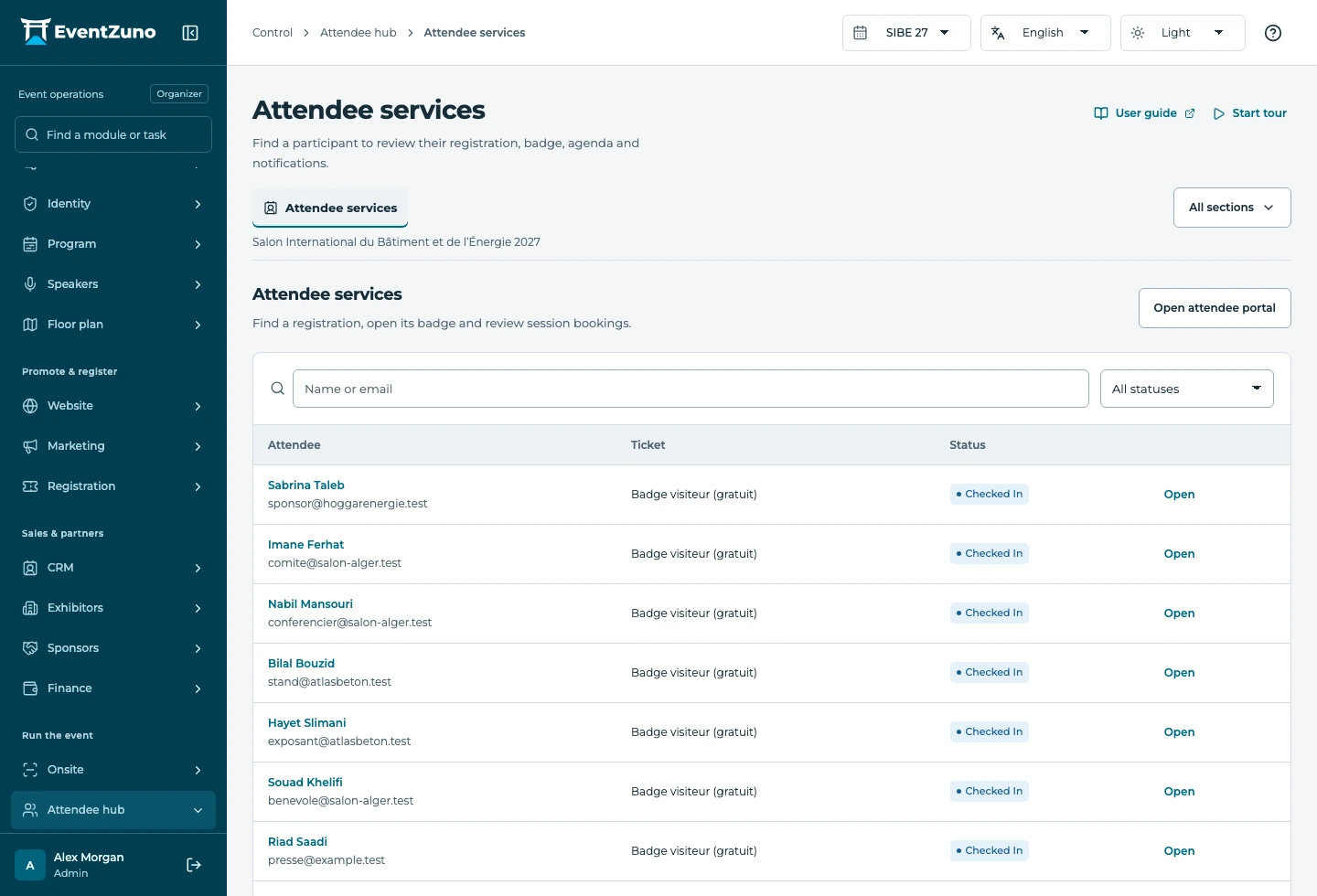
What you can do
Event-branded sign-in and account pages
Participants keep the event’s header, footer, fonts and language as they sign in and manage their account.
Audience-specific navigation and sections
Name, order and show sections separately for each audience. Unavailable sections stay out of participant navigation.
Registration details, badges and programme
Display account details and permitted badge downloads. The programme belongs to the selected upcoming edition.
Can I use participant spaces with my other modules?
Modules share event context and authorized records. The guide shows which permissions and related settings are needed for each workflow.
Can my team choose what participants see?
Yes. Event configuration, roles and audience portal settings control the available sections. The platform checks permissions when records are accessed.
How do we get started?
Use the versioned documentation for setup steps, or contact the team to walk through your event requirements. Your deployment configuration determines which services are connected.
Keep the workflow connected

Let’s walk through your next event.
Bring your audience types, your floor plan and your registration rules. We’ll show how they fit together in EventZuno.